A CTO's Guide to Databricks Unity Catalog Implementation
A successful Databricks Unity Catalog implementation is a strategic shift in data governance, not a technical checklist. It moves your organization from scattered, workspace-level permissions to a unified, fine-grained control model that enables secure, enterprise-wide analytics and AI. A flawed rollout creates governance debt and operational drag; a successful one accelerates your data strategy.
The First Decision: Metastore Architecture
Your first and most critical decision is your metastore architecture. The metastore is the top-level container for your entire data estate—catalogs, schemas, tables, and views. Getting this structure wrong introduces significant downstream friction. The primary choice is between a single metastore for your entire cloud account or multiple metastores segmented by region or business unit.
For most organizations, a single metastore per cloud account (e.g., one for AWS, one for Azure) is the correct path. It centralizes governance, simplifies cross-workspace data sharing through a unified namespace, and reduces administrative overhead.
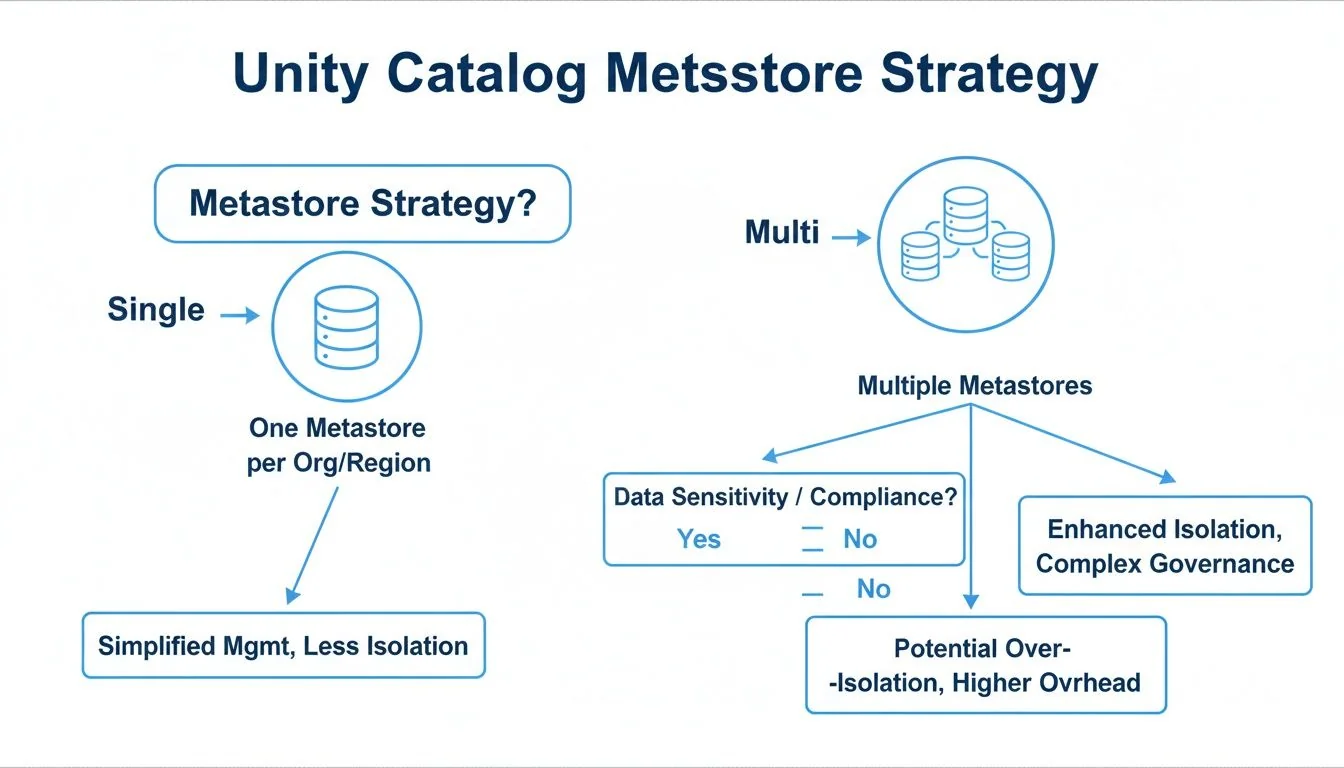
A multi-metastore approach is a tactical choice driven by specific, non-negotiable constraints:
- Data Residency Mandates: If regulations like GDPR require both data and its metadata to remain within a geographic boundary, a separate metastore per region is mandatory.
- M&A Scenarios: Integrating an acquired company with a disparate cloud environment and governance model often warrants a separate metastore to avoid a complex and risky consolidation project.
- Strict Billing Isolation: If internal chargeback models require absolute financial separation between business units, multiple metastores provide that hard fence, though this is often achievable with tagging in a single-metastore setup.
This architectural decision establishes the foundation for your entire data governance framework.
Unity Catalog Metastore Architecture Decision Framework
Use this framework to align the metastore architecture with your organization’s specific governance and operational requirements.
| Factor | Single Metastore (Per Cloud Account) | Multiple Metastores | Recommendation for Engineering Leaders |
|---|---|---|---|
| Governance | Centralized, simplifying cross-workspace policy enforcement and auditing. | Decentralized, requiring separate administration for each metastore. Increases complexity. | Default to a single metastore unless a strict compliance or structural requirement dictates otherwise. |
| Data Sharing | Seamless. A unified namespace allows direct queries between workspaces. | Complex. Requires Delta Sharing to share data across metastore boundaries, adding overhead. | If cross-team collaboration is a priority, a single metastore provides the path of least resistance. |
| Operational Overhead | Lower. One metastore to manage, secure, and back up. | Higher. Each metastore adds administrative burden and increases the risk of configuration drift. | A single metastore lowers total cost of ownership (TCO) by reducing operational toil. |
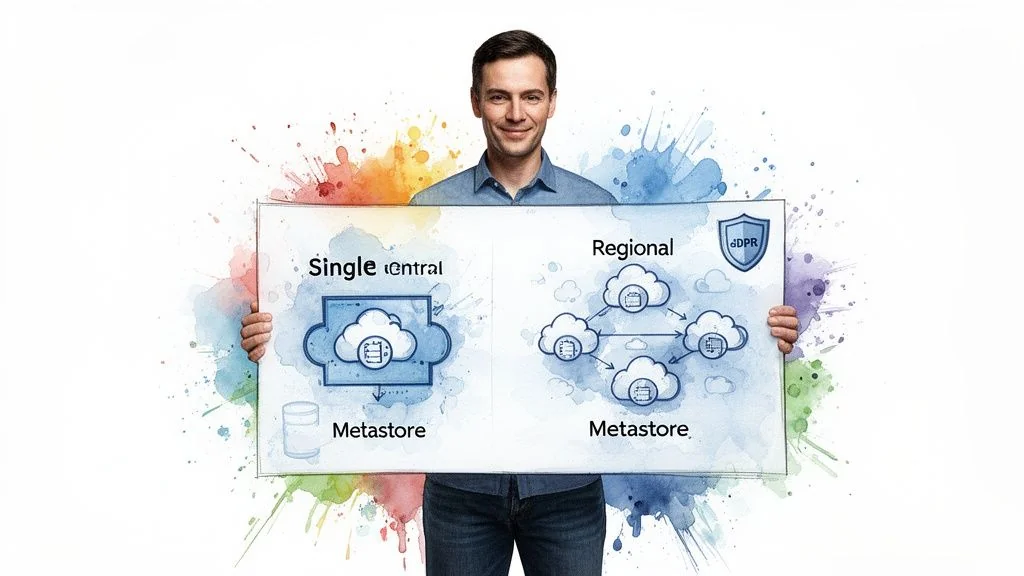
| Compliance | Meets most standards. Can be complex for strict data residency. | Essential for meeting strict data residency and sovereignty requirements. | Only use multiple metastores if mandated by your legal or compliance team for specific regions. |
The objective is a governance model that is both robust and manageable. The recommended best practice is a single metastore per cloud account, which delivers centralized control without unnecessary complexity.
Designing Your Governance and Access Control Model
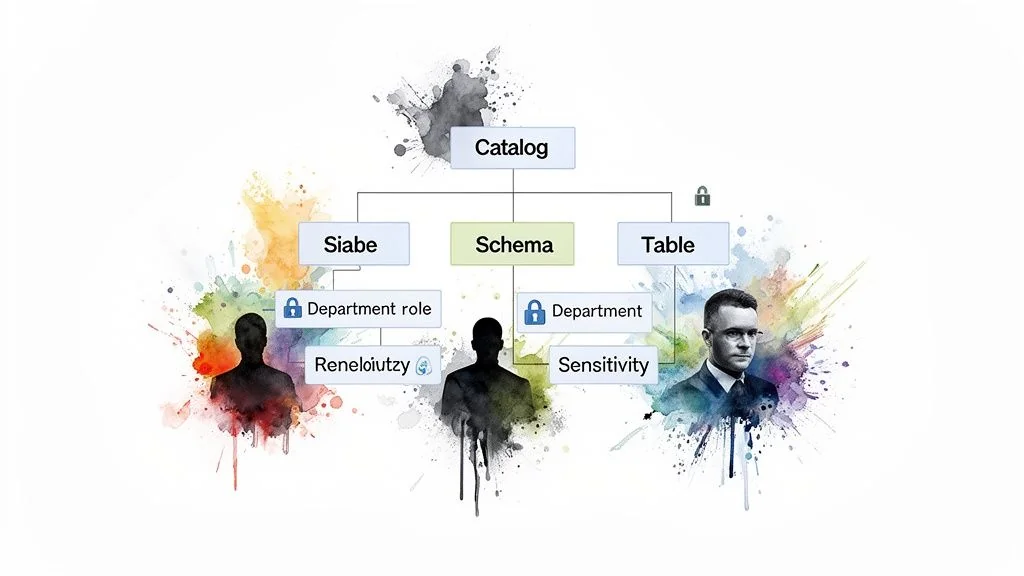
The primary failure mode in Unity Catalog implementations is structuring governance around technical teams instead of business domains. A marketing_team_catalog is ambiguous and brittle. A marketing catalog containing campaign_analytics and customer_segmentation schemas is intuitive, discoverable, and clearly ties data ownership to the business function that understands the data best. This shift is fundamental.
Implement Attribute-Based Access Control (ABAC)
Static, role-based access control (RBAC) does not scale. It creates administrative bottlenecks where every new hire, team change, or project requires manual permission updates. Implement attribute-based access control (ABAC), where access is granted dynamically based on user, data, and request context attributes.
By structuring access around attributes like a user’s department, project role, or data sensitivity tags, you create a self-managing system. This is the key to scaling governance without scaling your administrative team.
For example, a policy can grant SELECT access on any table tagged financial_reporting to any user in the Finance_Department group. When a new analyst joins finance, their identity provider (IdP) group membership automatically grants them the correct permissions. No tickets, no manual GRANT statements. This is not just efficient; it’s a security imperative. A fintech firm can use this to automatically mask PII columns for most users while granting a small, authorized compliance team full visibility.
Actionable Governance Framework
A documented object hierarchy is non-negotiable. Get this right from the start to prevent expensive refactoring.
- Catalogs for Business Units: Assign top-level catalogs to major business functions like
sales,product, andfinance. - Schemas for Data Domains: Within each catalog, use schemas to group related datasets (e.g.,
sales.quarterly_forecasts,product.user_telemetry). - Groups for Functional Roles: Map your IdP groups to functional roles (
Data_Analysts_Sales,Data_Scientists_Product). - Tags for Data Sensitivity: Use tags like
PII,Confidential, orPublicon tables and columns to drive automated ABAC policies.
This layered model drastically reduces the need to manage object-level permissions, which are impossible to audit and maintain at scale. More advanced strategies are detailed in our guide on data governance best practices. Structuring Unity Catalog around domains and attributes creates a secure, agile foundation for your data platform.
Integrating Identity Providers and Managing Principals
Your Unity Catalog governance model is unenforceable without robust identity provider integration. The system’s security depends entirely on mapping real-world users from your enterprise directory to Databricks principals. This connection is not optional.
The only scalable method is syncing your Identity Provider (IdP) with Databricks using SCIM (System for Cross-domain Identity Management). This establishes a single source of truth. When an employee’s status or role changes in your IdP, their access in Databricks updates automatically. This eliminates manual intervention and security gaps from lingering permissions.
Setting Up SCIM Provisioning
You must configure a SCIM connector between your IdP—such as Azure Active Directory, Okta, or Google Workspace—and your Databricks account. This pushes user and group identities directly into Databricks.
Your primary task is mapping existing IdP groups to Databricks groups. An IdP group named azuread-finance-analysts maps to a finance-analysts group in Databricks. You grant permissions to the Databricks group, and the IdP manages its membership. This principle is central to modern Identity and Governance Administration (IGA).
The litmus test for a successful SCIM setup: your platform team never manually adds a user to a group in Databricks. The entire user and group lifecycle—creation, updates, and deactivation—is fully automated and driven by the IdP.
Managing Service Principals and Group Conflicts
While user syncing is straightforward, service principals—non-human accounts for automated jobs—require deliberate management. Do not use a single, over-privileged service principal. Instead, create dedicated service principals for distinct functions and grant them least-privilege access. A service principal for a marketing pipeline must not have access to finance data.
A common pitfall is IdP group name conflicts (e.g., multiple “Analysts” groups). Resolve this before syncing by enforcing a unique naming convention in your IdP, such as finance_analysts_us and finance_analysts_eu. This ensures they map to distinct groups in Databricks, preventing accidental permission overlaps.
Navigating the Migration from Hive Metastore
For existing Databricks users, migrating from a legacy Hive Metastore to Unity Catalog is the most delicate phase of implementation. A “big bang” cutover is a recipe for broken pipelines and business disruption. A phased, controlled migration is the only viable approach.
The process begins with an assessment of your current Hive Metastore. Databricks provides tools to scan your environment, flagging dependencies, unsupported table formats, and potential access control conflicts. According to DataEngineeringCompanies.com’s analysis of 86 data engineering firms, a thorough assessment phase reduces migration-related production errors by over 60%. The output of this scan provides a clear inventory of what to move, what to fix before moving, and the true scope of the project.
Running a Strategic Pilot
After the assessment, select a pilot team for migration. Do not choose your most business-critical workload. The marketing analytics team is often a good candidate; their data is typically high-volume but less operationally sensitive than finance or core product data.
This pilot serves as a sandbox to validate the migration process, refine automation scripts, and discover edge cases in a low-stakes environment.
The goal of the pilot isn’t speed; it’s learning. Document every step, error, and resolution. This documentation becomes your playbook for migrating the rest of the organization, transforming a daunting project into a repeatable, predictable process.
Migration Mechanics and Validation
The core technical tool for migration is the SYNC command. It clones tables, views, and permissions from Hive Metastore into Unity Catalog. For external tables, SYNC is particularly useful as it registers them in Unity Catalog without moving the underlying data. However, SYNC is not a panacea; you will need a plan for complex objects and non-standard configurations it cannot handle.
Post-Migration Validation Checklist: After migrating a workload, you must validate its integrity before decommissioning the legacy Hive assets.
- Data Integrity: Run
COUNT(*)and checksums on key tables in both Hive and Unity Catalog to ensure an exact match. - Pipeline Health: Trigger dependent data pipelines and ML jobs to confirm they complete without errors.
- Permissions Audit: Use test accounts from different user groups to verify they can access required tables and are blocked from restricted ones.
- Query Performance: Execute representative user queries against the new Unity Catalog tables and compare runtimes against Hive Metastore benchmarks. Performance should be equivalent or better.
Automating Governance with CI/CD for Your Catalog
Managing Databricks Unity Catalog permissions and objects through the UI is unscalable and introduces risk. For any enterprise deployment, treating your catalog configuration as code via a CI/CD pipeline is non-negotiable. This ensures every change—from creating schemas to granting permissions—is version-controlled, tested, and auditable.
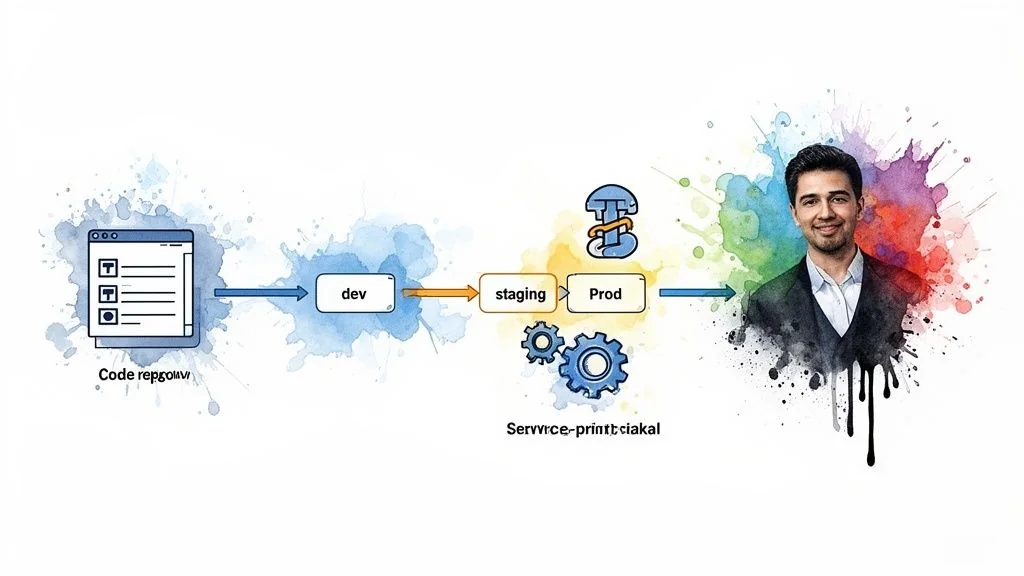
By defining your catalog structure in an Infrastructure-as-Code (IaC) tool like Terraform, you eliminate configuration drift. Governance shifts from a reactive, ticket-based process to a proactive, automated workflow. When a new team requires resources, the pipeline handles provisioning catalogs, schemas, and group permissions without manual intervention by a platform administrator.
Example: Onboarding a Project via Terraform
A data science team needs a sandbox for “Project Alpha.” A developer opens a pull request with a simple Terraform file instead of filing a support ticket.
# 1. Provision a new schema for the project
resource "databricks_schema" "project_alpha" {
  catalog_name = "analytics"
  name         = "project_alpha_sandbox"
  comment      = "Sandbox for Project Alpha data science team."
  owner        = "data_platform_admins"
}

# 2. Grant usage and creation rights to the project team's group
resource "databricks_grant" "project_alpha_usage" {
  schema = databricks_schema.project_alpha.id
  principal  = "project_alpha_ds_team"
  privileges = ["USE_SCHEMA", "CREATE_TABLE"]
}
Once the pull request is approved and merged, the CI/CD pipeline executes the plan, creating the schema with the correct permissions. This closes the security gaps inherent in ad-hoc manual changes.
The governing rule is absolute: no manual
GRANTstatements in production. All permissions for users, groups, and service principals must be managed through version-controlled code. This is the only way to ensure auditability and security at scale.
Enforcing governance through code makes Unity Catalog a reliable, secure, and scalable asset that integrates seamlessly into your DevOps toolchain.
Optimizing Cost and Performance Post-Implementation
Deployment is not the finish line. The focus must shift to operational excellence, measured by cost savings and performance gains. Databricks system tables are your primary tool for this, providing a built-in audit trail of access patterns, query performance, and data lineage. This visibility is essential for identifying underutilized assets and eliminating performance bottlenecks.
Driving Value with Automated Optimization
Turn this visibility into savings by leveraging Databricks’ automated optimization features. These are fundamental to running a cost-effective platform.
- Predictive Optimization: This feature automatically runs
OPTIMIZEandVACUUMcommands. It compacts small files that degrade query performance and purges old, unreferenced data. This routinely reduces cloud storage costs by 20-30%. - Liquid Clustering: This often replaces rigid, traditional partitioning. It intelligently groups data based on actual query patterns, simplifying table management and improving performance without constant manual tuning.
To maintain an efficient data infrastructure, adopt broader cloud cost optimization best practices to manage your overall cloud spend.
These built-in tools create a powerful feedback loop. System tables identify operational issues, and automated features resolve them. This cycle of continuous improvement generates tangible savings and better performance. For a deeper understanding of table format mechanics, explore optimizing with Databricks Delta Lake. This proactive strategy demonstrates the platform’s business value long after launch.
Top Questions on Unity Catalog Implementation
These are the most frequent questions from engineering leaders planning a Unity Catalog implementation.
What is a realistic implementation timeline?
For an organization already on Databricks, a standard implementation project takes 8-12 weeks. Analysis from DataEngineeringCompanies.com of 86 data engineering firms validates this as a reliable benchmark. This timeline covers metastore setup, IdP integration, governance model design, CI/CD automation, and the migration of a pilot business unit. For a greenfield Databricks deployment, the Unity Catalog setup is part of a larger platform build-out and will require a longer timeline.
Can Unity Catalog govern data outside of Databricks?
Yes. Unity Catalog is built on open standards, supporting modern table formats like Delta Lake and Apache Iceberg. This allows other Iceberg-compatible engines like Snowflake, BigQuery, and Trino to interoperate with data governed by Unity Catalog.
The primary capability here is Lakehouse Federation, which allows Unity Catalog to directly query and manage permissions on data in external databases like PostgreSQL or MySQL without ETL. This creates a single control plane across a significant portion of your data landscape, breaking down data silos and reducing vendor lock-in.
How does Unity Catalog support AI/ML governance?
For responsible AI, Unity Catalog is foundational. It establishes a single source of truth for all assets in the machine learning lifecycle.
- End-to-end data lineage shows precisely which data was used to train a specific model version, making audits straightforward.
- Volumes enable governance of unstructured data (images, audio, PDFs), which is critical for many modern AI applications.
- ML models are treated as first-class citizens, allowing the same governance policies applied to sensitive tables to be applied to models.
This integrated approach makes the entire model lifecycle auditable, enabling organizations to scale AI responsibly while meeting compliance requirements.
Planning a data platform modernization or AI enablement project? DataEngineeringCompanies.com provides independent analysis and verified profiles of over 50 leading firms to help you select the right partner with confidence. Find your ideal data engineering consultancy.
Data-driven market researcher with 20+ years in market research and 10+ years helping software agencies and IT organizations make evidence-based decisions. Former market research analyst at Aviva Investors and Credit Suisse.
Previously: Aviva Investors · Credit Suisse · Brainhub · 100Signals
Top Data Engineering Partners
Vetted experts who can help you implement what you just read.
Related Analysis
The Engineering Leader's Guide to Supply Chain Data Platforms
Explore expert supply chain data engineering strategies for resilient pipelines, modern architecture, and data platform selection for Snowflake and Databricks.
The Real Cost and Timeline of a Data Mesh Consulting Engagement
A guide to data mesh consulting for engineering leaders. Learn to scope projects, select partners, and implement a data mesh that delivers business value.
A Practical Guide to Hiring Data Governance Consultants
Hiring data governance consultants? This guide unpacks their roles, costs, and selection criteria to help you find the right partner for your modern data stack.